Setup Client Side Interface
info
Only Flutter is Supported as of now for Client-Side Integrations
Initialize the Flutter Project
flutter create my_project --platforms=android,ios,linux,macos
Install the Plugin
- pubspec.yaml
- pub
Add This in dependencies:
dependencies:
  flutter:
    sdk: flutter

  neneui_render: ^0.0.6
flutter pub add neneui_render
Create the File
- main.dart
import 'package:flutter/material.dart';
import 'package:neneui_render/neneui_render.dart';
void main() {
runApp(const MyApp());
}
class MyApp extends StatelessWidget {
const MyApp({super.key});
Widget build(BuildContext context) {
return InitUI.init(
baseUrl: "http://localhost:3500",
title: "Nene",
plugins: {},
debugShowCheckedModeBanner: false,
);
}
}
Let's Run IT!!
- Windows
- Linux
- iOS
- Android
flutter run -d windows
info
Make sure GTK Dependencies are installed for the flutter applications to run in Linux Platform.
flutter run -d linux
info
iOS does not require a separate Internet permission.
If your backend uses HTTPS, no additional configuration is required.
For a local development server using HTTP, you may need to configure
App Transport Security (ATS) in ios/Runner/Info.plist.
<key>NSAppTransportSecurity</key>
<dict>
  <key>NSAllowsArbitraryLoads</key>
  <true/>
</dict>
flutter run
Flutter will ask
info
You must specify Internet Permission in the Android App Manifest
<manifest xmlns:android="http://schemas.android.com/apk/res/android">
  <uses-permission android:name="android.permission.INTERNET"/>
  ....
</manifest>
flutter run
Flutter will ask the device to run automatically!
TADA!
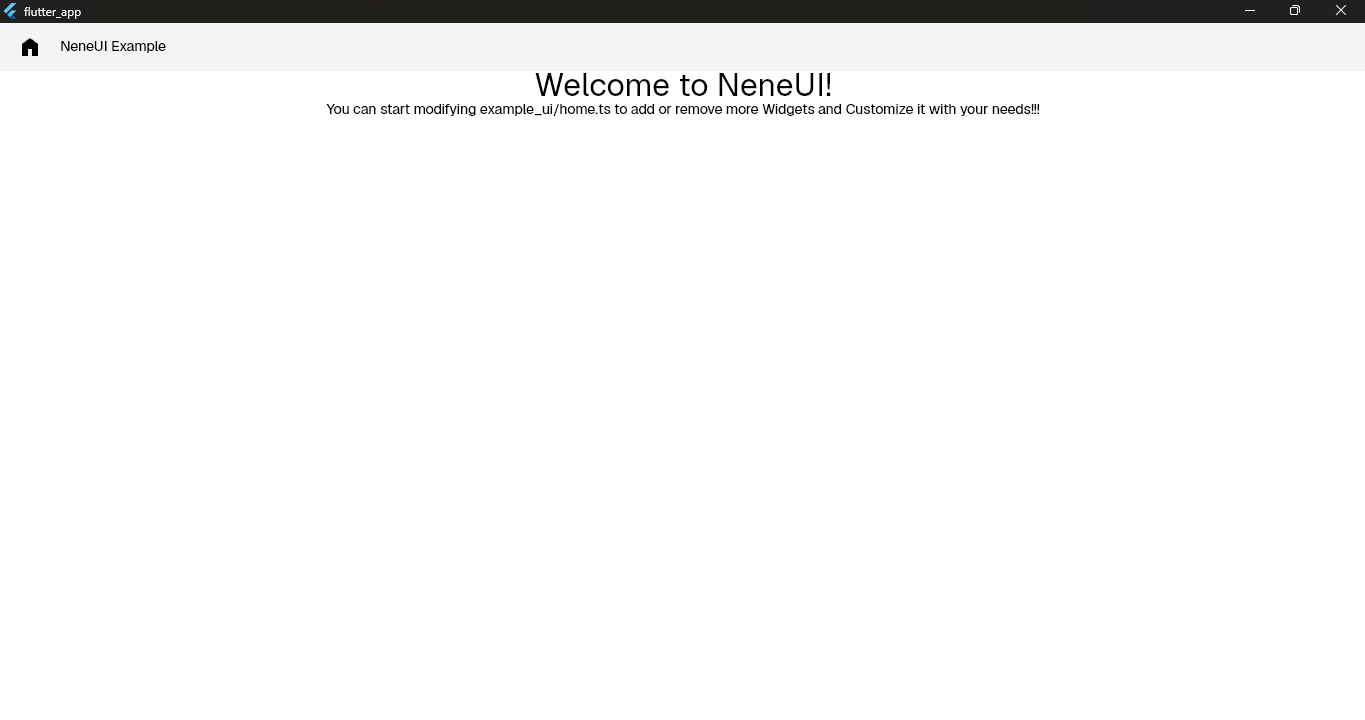
We successfully did it Here say : BANZAIII KASHIRAAA!!!